15 Room LED Gaming Ideas to Level Up Your Setup
I remember staring at my first gaming setup. It was functional—a desk, a monitor, and a chair—but it felt flat. It lacked the atmosphere and immersion I felt when I was actually playing. That’s when I discovered the transformative power of lighting.
Lighting isn’t just about visibility; it’s about setting a mood and creating an environment that pulls you into the game. Research suggests that ambient lighting can actually reduce eye strain during long sessions and improve focus.
Whether you want a high-energy battle station or a chill, vaporwave retreat, I’ve compiled 15 LED gaming room ideas that will completely change how you experience your space.
1. Backlight Your Monitor with Bias Lighting

I always start here because it makes the biggest difference for the lowest cost. Placing an LED strip on the back of your monitor creates a soft glow against the wall.
This technique, known as bias lighting, reduces the contrast between your bright screen and a dark room. I noticed immediately that my eyes felt less tired after marathon sessions. It also makes the colors on your screen pop, making blacks look deeper and colors more vibrant.
2. Install Under-Desk Glow
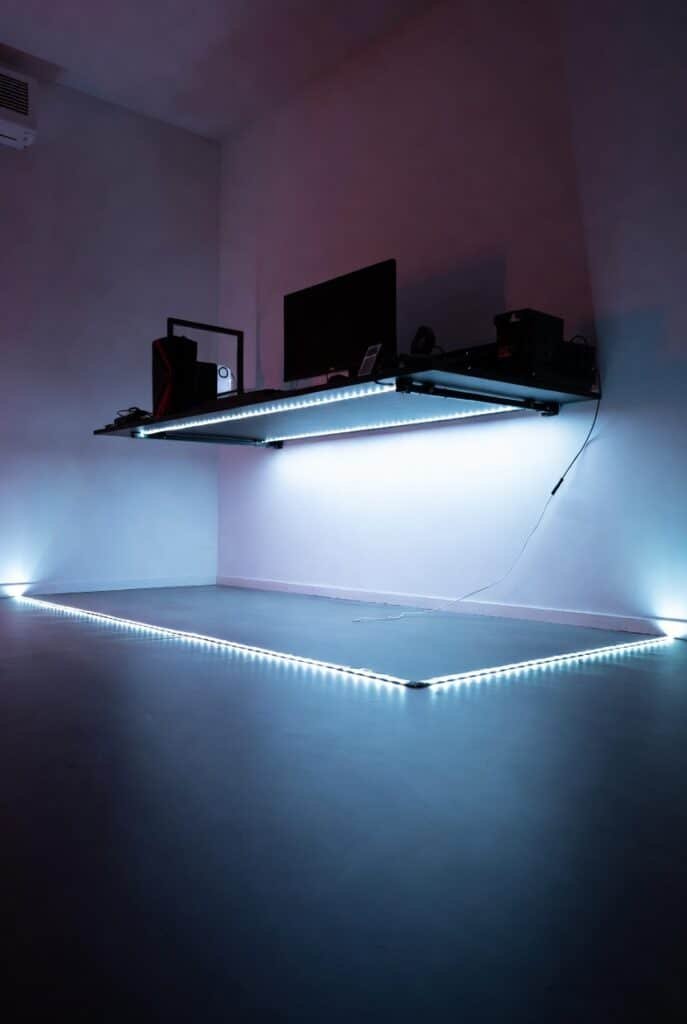
I love the “floating desk” look, and it is incredibly easy to achieve. I simply adhered an LED strip along the underside of my desk frame.
This adds a futuristic vibe and lights up the floor, which helps you find dropped cables or controllers. I recommend using a diffuser channel if the LEDs are visible, but for under the desk, bare strips usually work fine since they are hidden from direct view.
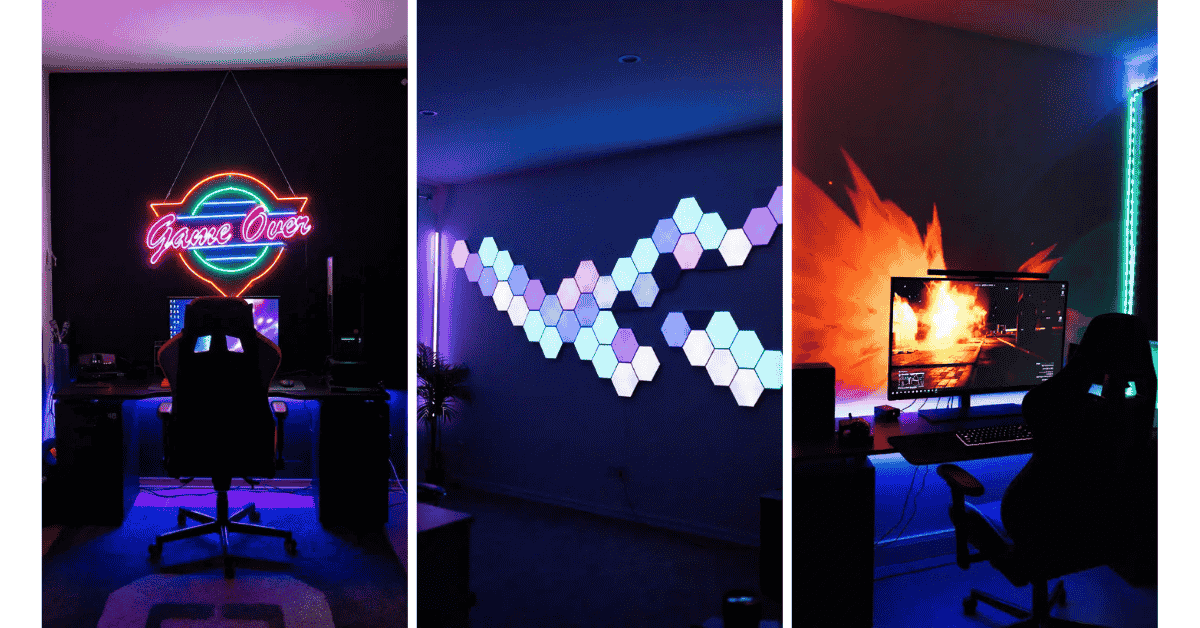
3. Create a Neon Sign Centerpiece
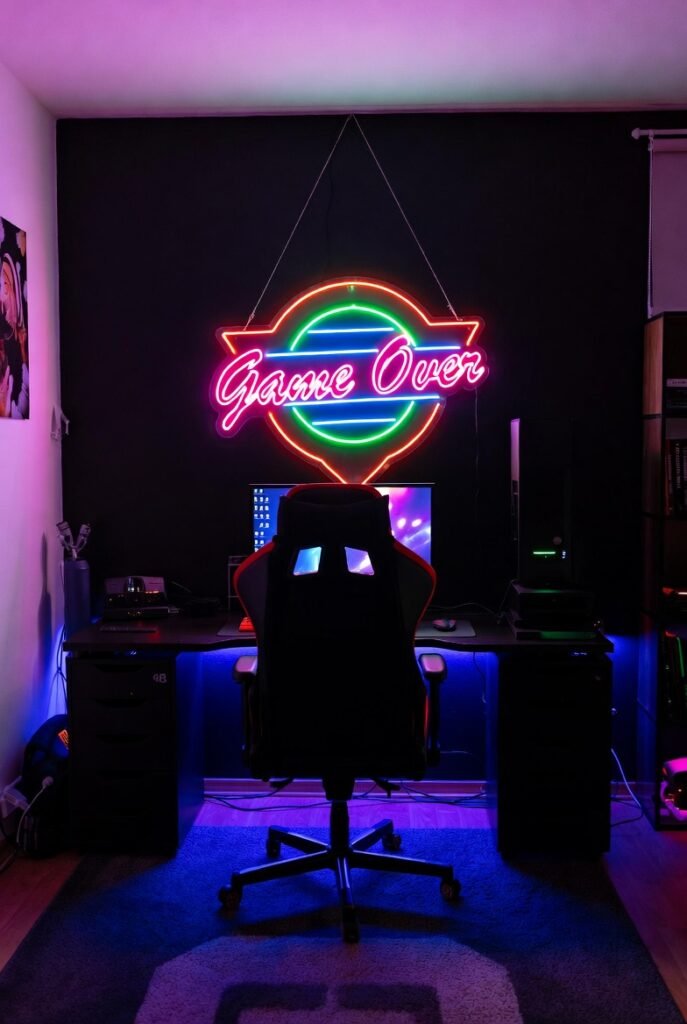
Nothing says “custom setup” like a neon sign. I hung a custom neon logo above my monitor, and it instantly became the focal point of the room.
You don’t need expensive glass tubes anymore; modern LED neon flex is durable, energy-efficient, and affordable. You can choose a classic “Game Over” sign, your gamertag, or a symbol from your favorite franchise to stamp your personality on the room.
4. Use Hexagon Wall Panels
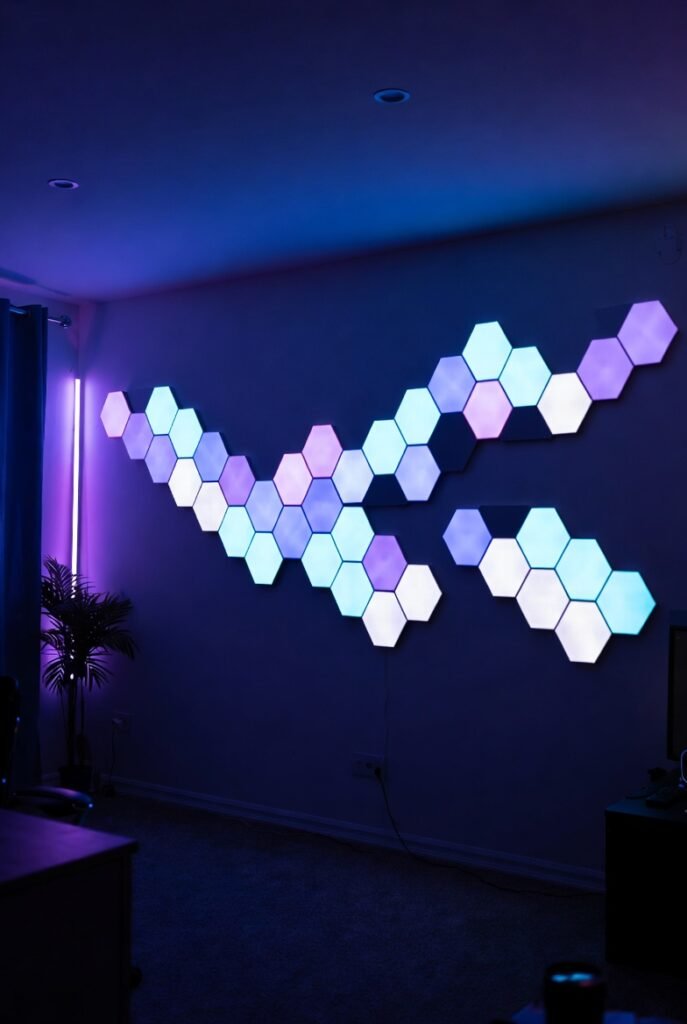
I see these in almost every pro streamer’s background, and for good reason. Modular hexagon panels allow you to be the artist of your own wall.
I arranged mine in a sprawling, abstract pattern that climbs up the wall. Most brands allow you to control each panel individually, meaning you can create dynamic color waves that react to your music or game audio for real-time immersion.
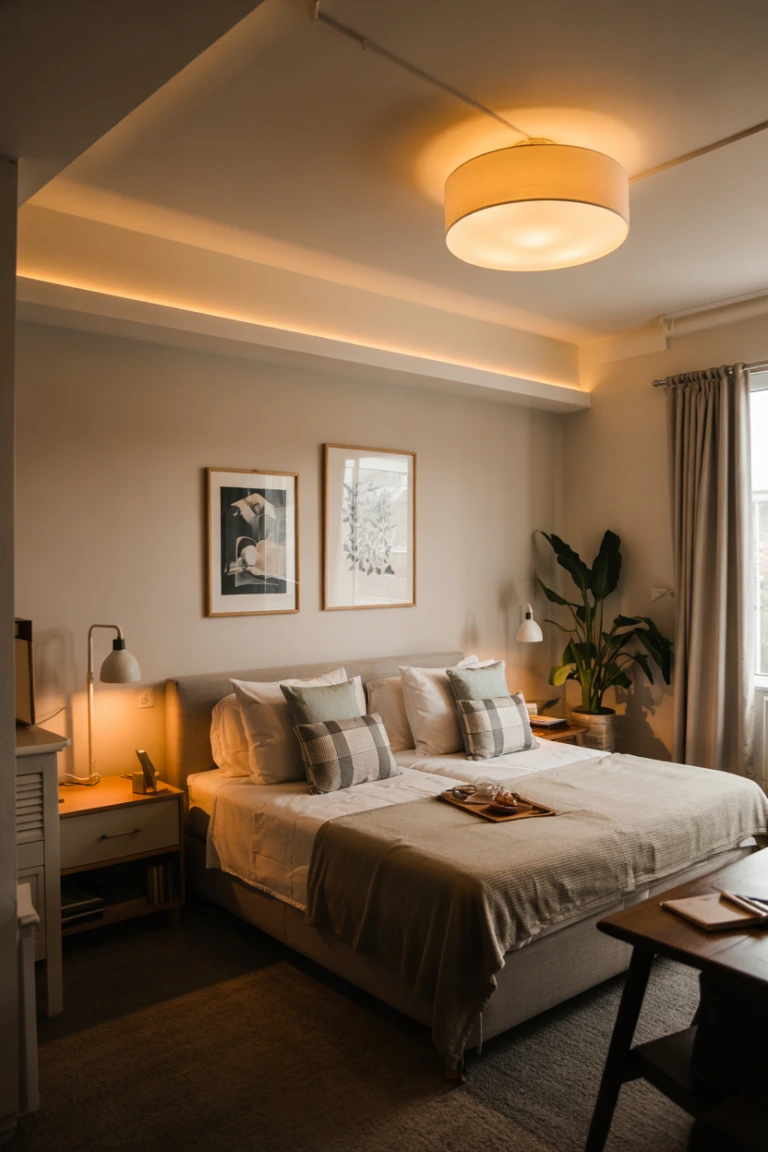
5. Line the Ceiling Perimeter
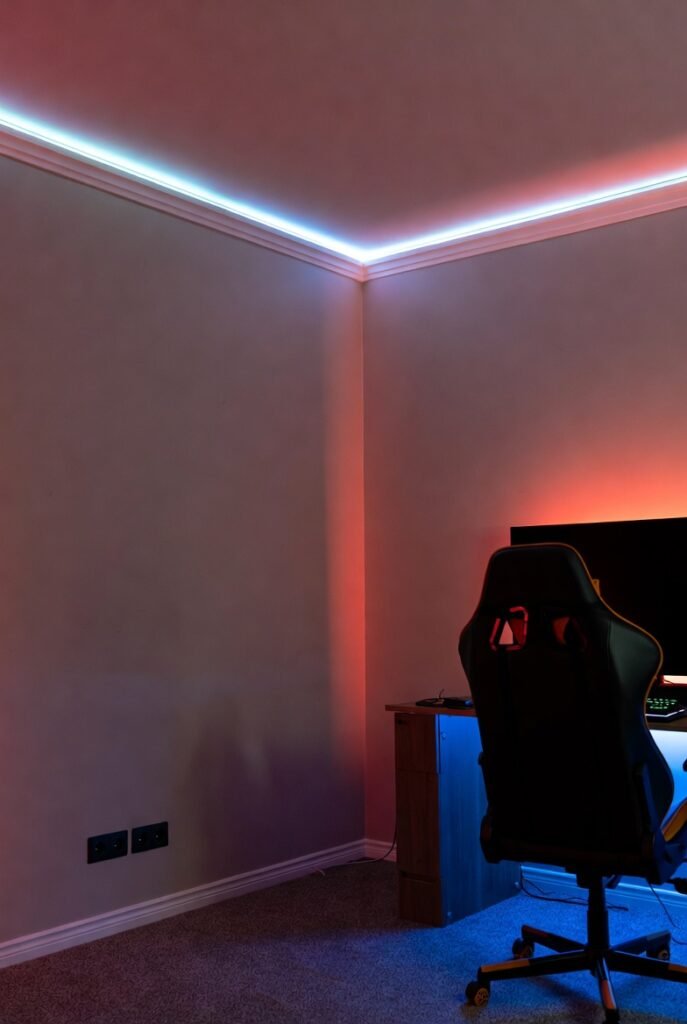
I wanted to define the boundaries of my gaming space, so I ran a continuous LED strip along the crown molding of the ceiling.
This washes the entire room in color without being blindingly bright. I use a smart controller for this, letting me turn the whole room red for FPS games or a cool blue for strategy sessions with a single voice command.
6. Highlight Your Shelving
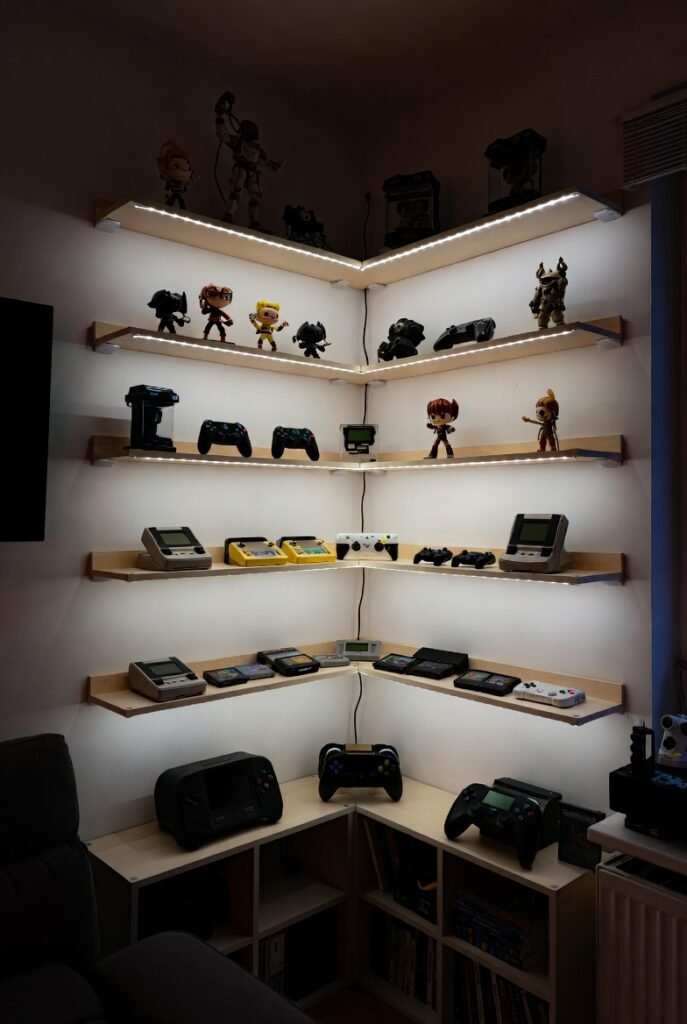
I have a collection of figurines and retro consoles that were sitting in the dark. I solved this by adding small LED puck lights or strips to the underside of each shelf.
This turns your storage into a display case. It draws the eye to your collectibles and adds depth to the room’s lighting scheme. I suggest using warm white light here to make the colors of your collectibles stand out naturally.
7. Upgrade to a backlit Keyboard and Mouse Pad
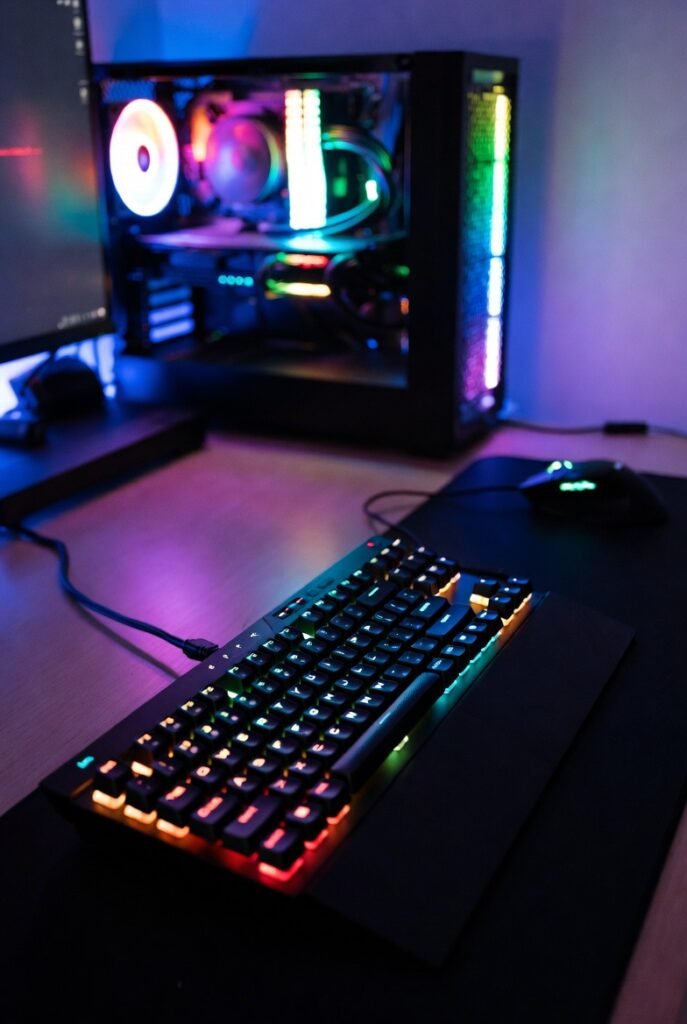
I consider this the baseline for any RGB setup. If you haven’t upgraded your peripherals yet, I highly recommend starting with a backlit keyboard and an extended RGB mouse pad.
Syncing these lights with your PC’s internal RGB creates a cohesive look. I love watching a color wave travel from my PC case, across my keyboard, and onto my mouse pad in perfect synchronization.
8. Add Corner Floor Lamps
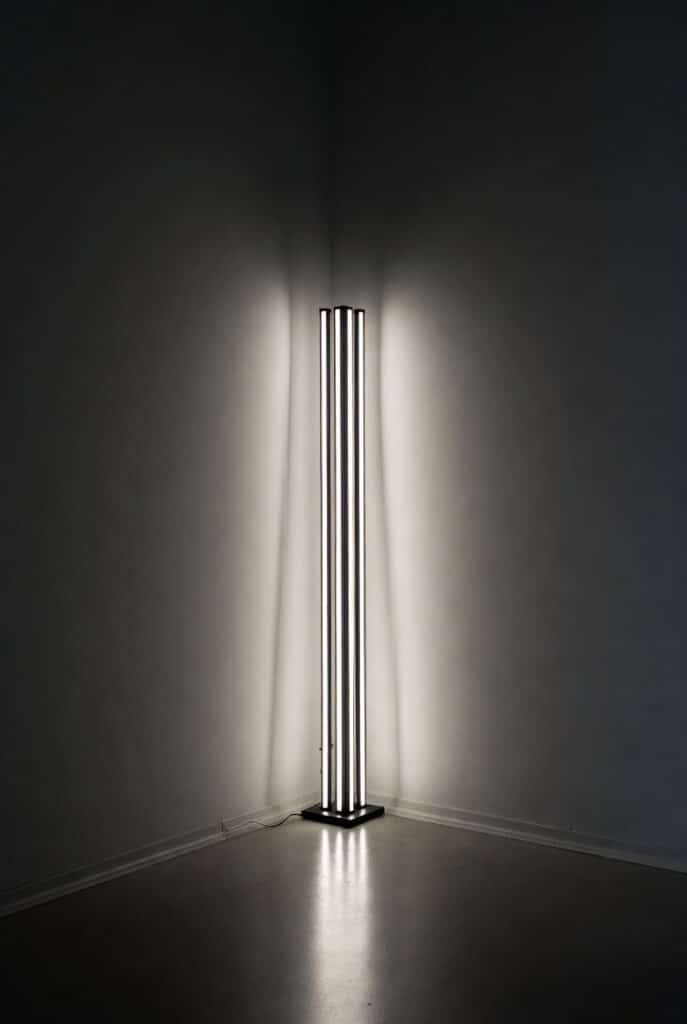
I realized my room had dark, dead corners that made the space feel small. I placed a minimalist, vertical LED corner lamp in the empty space.
These lamps face the corner and reflect light off the walls, creating a soft, ambient pillar of light. It makes the room feel larger and adds a sophisticated, modern touch that looks good even when the computer is off.
9. Use Reacting Screen Mirroring Kits
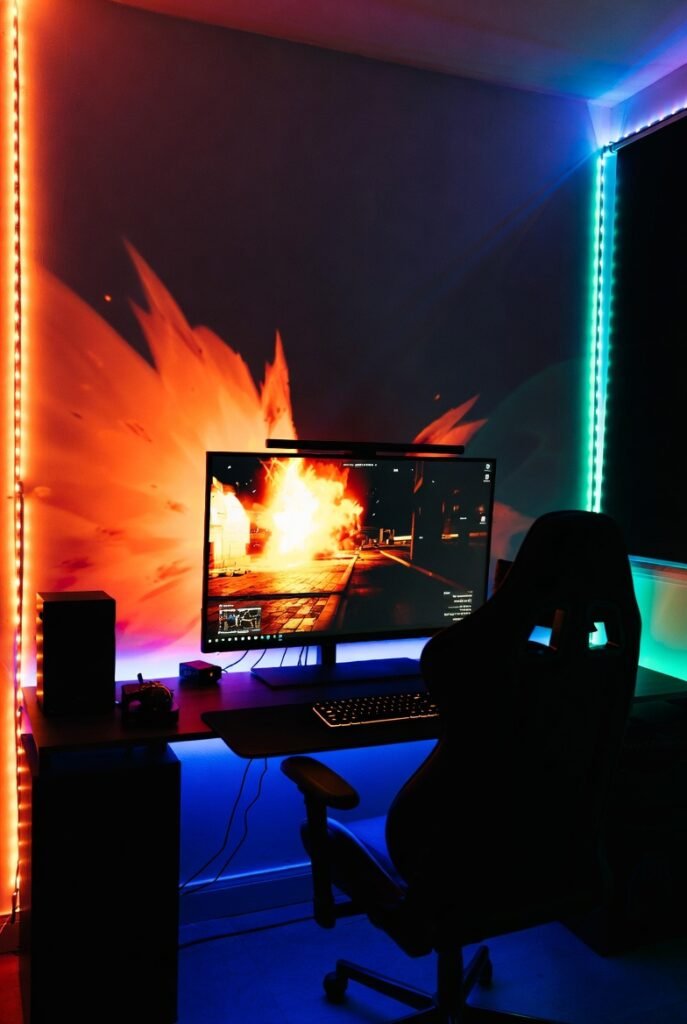
I saved the most immersive idea for last. I installed a camera-based or HDMI-sync box system that reads the colors on my screen and extends them to the wall lights in real-time.
If there is an explosion on the left side of my screen, the left side of my room flashes orange. It blurs the line between the game and the room, making my entire peripheral vision part of the gameplay experience.
10. Frame Your Doorway
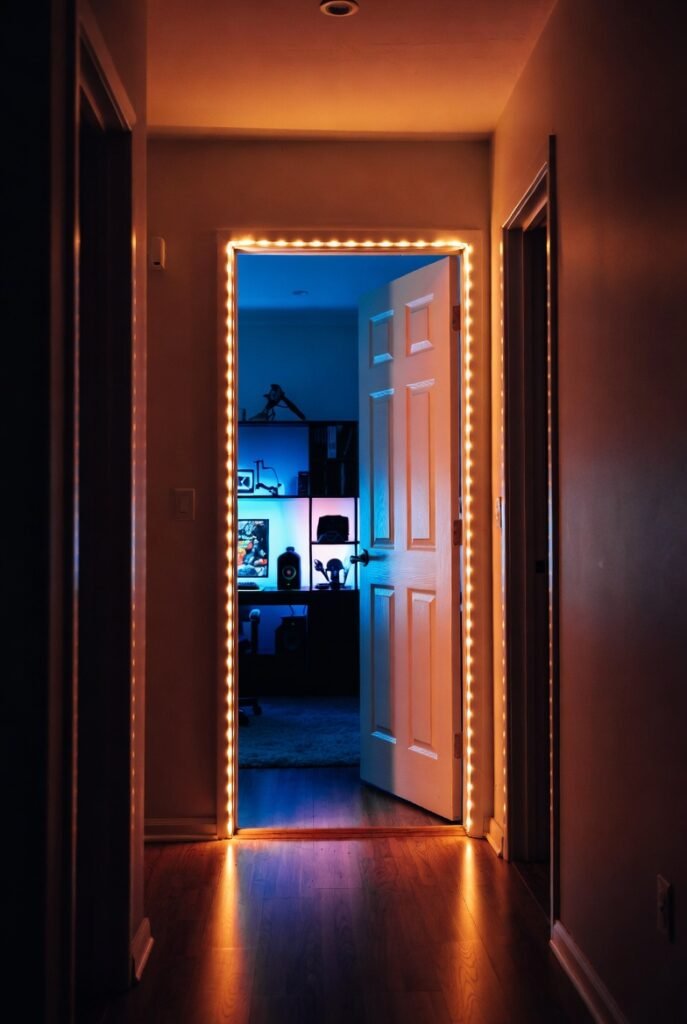
I wanted entering my gaming room to feel like stepping into a portal. I lined the inside of the door frame with a high-density LED strip.
This creates a distinct threshold between the “real world” and my gaming sanctuary. It looks especially cool at night when the light spills out into the hallway, signaling that the gaming session is in progress.
11. Use Smart Bulbs in Existing Fixtures
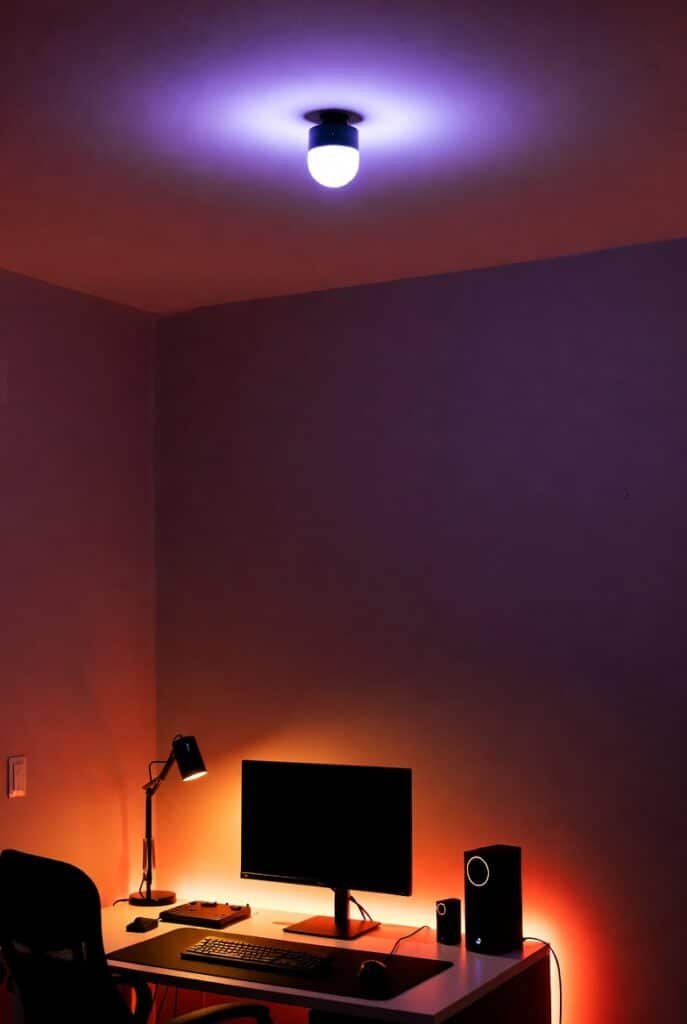
I didn’t want to throw away my existing desk lamp and ceiling light. Instead, I swapped the standard bulbs for smart RGB bulbs.
This gave me total control without installing new hardware. I can dim the ceiling light to 10% purple and turn the desk lamp to a warm orange for a cozy, late-night vibe. It’s the easiest, no-tools-required upgrade you can make.
12. Create a “Cloud Ceiling”
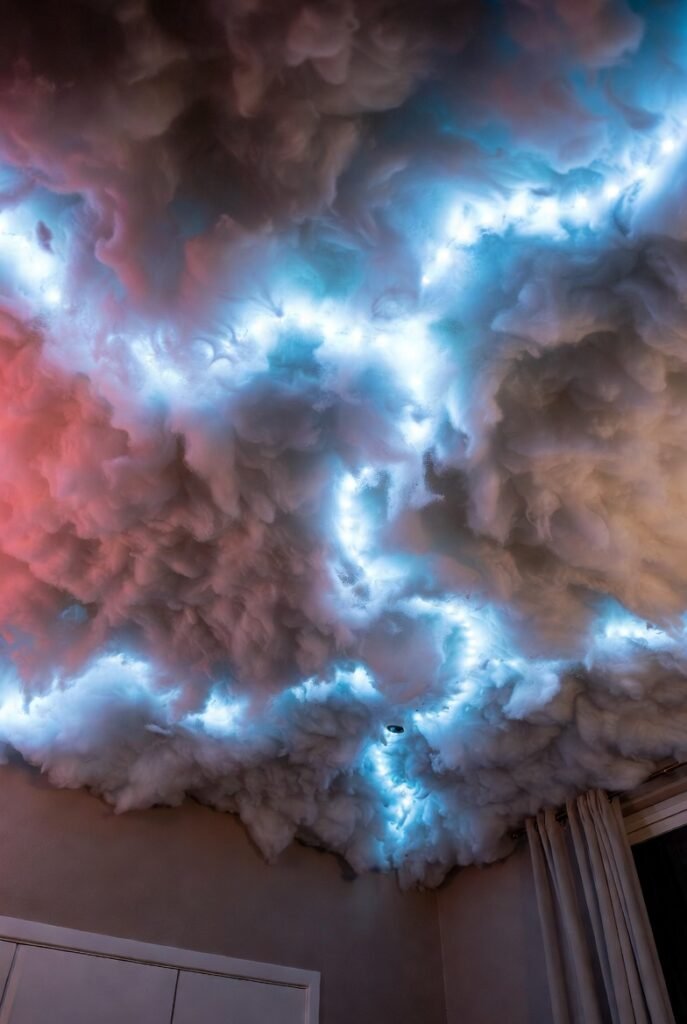
I saw this trend on TikTok and decided to try it. I glued polyester fiber fill (stuffing) to the ceiling and wove LED strips through it.
The result looks like a thunderstorm brewing above my head. When I set the lights to flash, it mimics lightning. It’s a bold DIY project that creates an unbelievable atmosphere, though I admit it takes some patience to install!
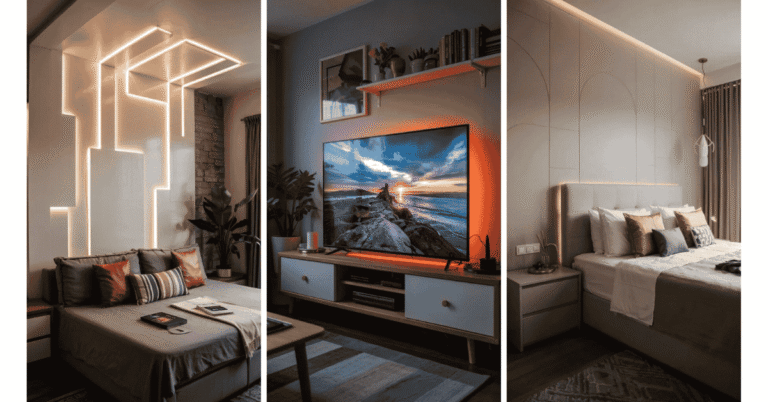
13. Backlight Your TV or Monitor Stand

I didn’t stop at just the desk; I added lights behind my console TV stand as well. This creates a silhouette effect for the furniture.
It grounds the setup and provides low-level light that helps when navigating the room in the dark. I matched the color temperature to my bias lighting to keep the room feeling unified and balanced.
14. Install LED Projection Lights
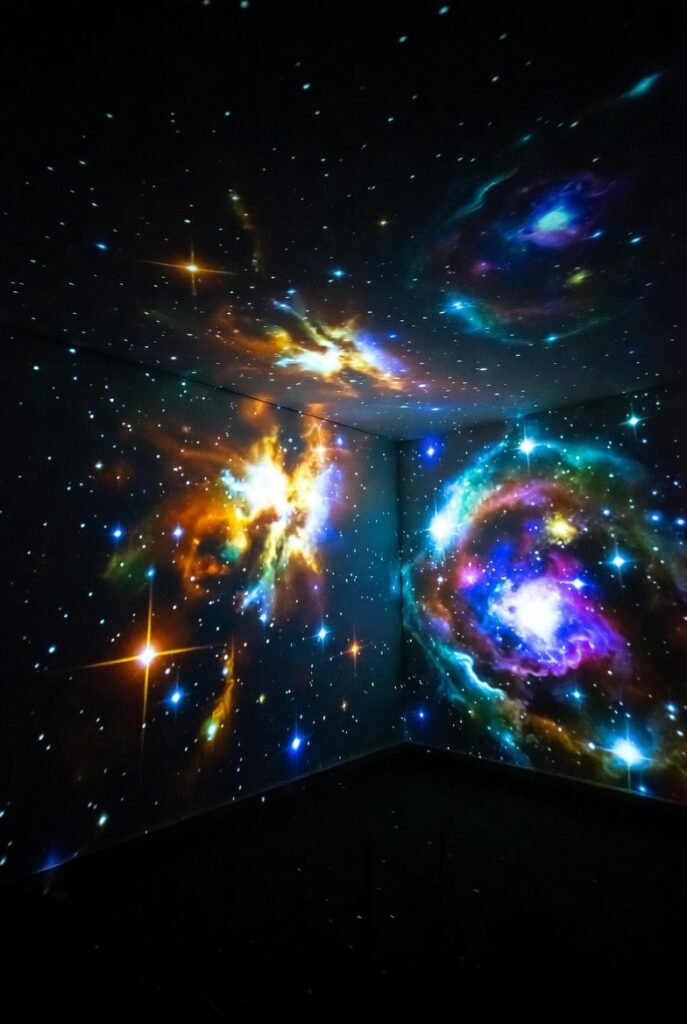
I sometimes want texture without sticking things to my walls. I bought a galaxy projector that casts stars and nebulae across my ceiling and walls.
This adds motion and depth to the room without any permanent installation. I find the slow-moving star patterns incredibly relaxing between intense matches, helping me decompress before the next round.
15. Light Up Your PC Case
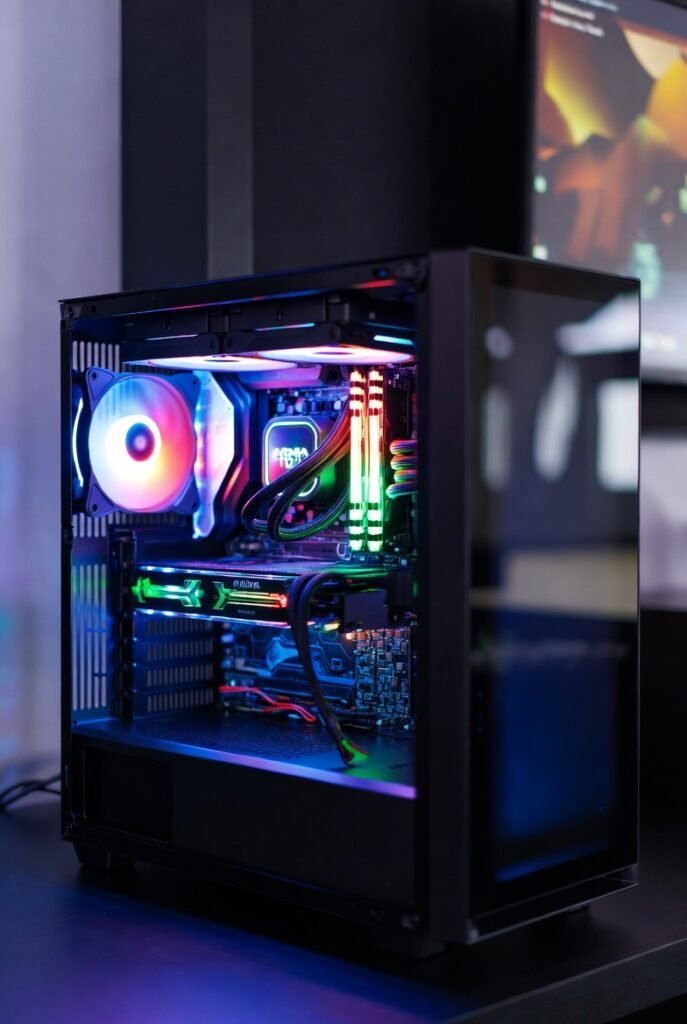
I built my PC with a glass side panel specifically for this reason. I utilized RGB fans, RAM sticks, and LED strips inside the case itself.
Your PC is the heart of your setup, so it should look the part. I treat it like a museum display piece, keeping the glass clean so the internal light show can shine through clearly.
Wrap up
Building the ultimate gaming room is a journey, not a sprint. I recommend starting with one or two of these ideas, like bias lighting or a simple LED strip behind your desk, and expanding from there. The goal is to create a space that inspires you and makes every gaming session feel like an event.
If you are looking for the best gear to get started, check out our shop for top-rated LED strips and smart controllers designed specifically for gamers. Don’t play in the dark—light up your game today.